

Communication Products
Optical Transceivers · Telecom Synchronization · Network Infrastructure · Custom Solutions
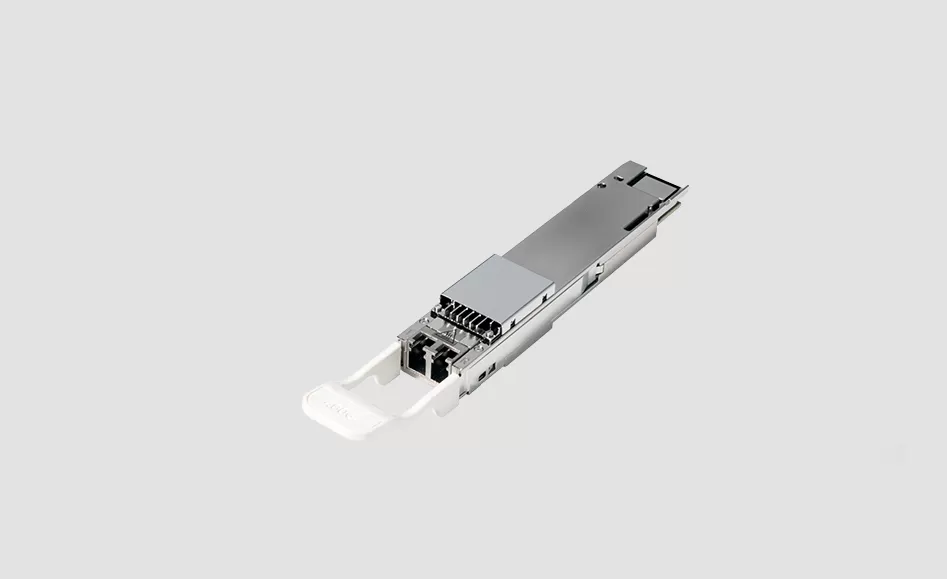
A compatible module is a transceiver built to the electrical and optical specification the switch, router or storage port expects, coded so the host recognises it and the port comes up. It is not a rebadged part from the platform brand and carries no claim to be one: the module is compatible with the platform named on the request, and it is not manufactured by that brand.
This guide covers what to put in a request, how the coding is decided, what we test before a part leaves, and how to hold a mixed estate of platforms and rates without a second warehouse of spare parts. The product column behind it is on the optical communication products page, and the rate families are collected in the optics selection guides.
A branded port reads a small memory page on the module before it enables the lane. That page carries the vendor identity, the part number, the serial and the date code, and on many platforms it also carries a checksum the host verifies. A module with a blank or mismatched page usually ends up in one of two states: the port stays down, or it comes up with a log entry and a warning that never clears.
Coding is therefore part of the order, not an afterthought. State the platform model, the port rate and the form factor, and where the platform requires it, the firmware generation on the line card or switch. On platforms from more than one generation, ask for the part to be coded for the older one, since that is the unit that will refuse to come up.
| Module | Rate | Media / wavelength | Reach class | Where it usually lands |
|---|---|---|---|---|
| 1.25G and 10G SFP, coded | 1.25G / 10G | SMF or MMF, 850 / 1310 / 1550 nm | 300 m to 40 km class | Access and enterprise switches still in service |
| 25G SFP28, coded | 25G | SMF or MMF, 850 / 1310 nm | 100 m to 10 km class | Access and top-of-rack ports on modern leaves |
| 40G QSFP+ and 100G QSFP28, coded | 40G / 100G | MMF parallel, or SMF LAN-WDM / CWDM | 100 m to 10 km class | Spine uplinks and server ports |
| 200G QSFP56 and 400G QSFP-DD, coded | 200G / 400G | MMF parallel or SMF DR4 / FR4 class | 100 m to 10 km class | High rate leaf and spine positions |
| 800G OSFP and QSFP-DD, coded | 800G | SMF DR8 / 2xFR4 class | 500 m to 2 km class | New AI and cloud fabrics |
| 40G to 400G breakout parts | Rate per lane | MPO parallel optics or SMF | Per lane class | One spine port feeding four lower rate ports |
| BiDi and WDM parts, coded | 1.25G to 100G | SMF, single fibre or CWDM / DWDM grid | 10 to 80 km class | Links short of strands or spanning sites |
Reach classes are the standard ones published for each family, and the working limit is the measured loss on the route. Parts are held coded for the platform you name; families are listed on the 10G, 25G SFP28, 40G QSFP+, 100G QSFP28 and 400G pages.
Three checks catch nearly every field failure. The first is the coding page itself, read back and compared against the platform the part was ordered for. The second is a transmit and receive test into a known reference, with the wavelength and the optical power recorded. The third is the digital diagnostics read out over the host interface, confirming that temperature, supply voltage and laser bias report values a network tool can use.
For WDM and single-fibre parts the wavelength or the pairing is checked too, because a wrong channel and a mismatched BiDi pair both look like a dead link.
Compatible supply is most useful where the platform brand has stopped supporting a rate. Long-lived estates are full of 1.25G, 10G and 40G positions whose host hardware still works, so a sourced part keeps the platform in service for years more.
The practical requirement is repeatability: the same coding, the same optics and the same firmware behaviour on every delivery, so a part ordered in three years matches the one working today. For builds with a ten-year horizon, write the coding and the grade into the project record and hold a spare per position type rather than a percentage of the population.
Most networks run several platform brands at once, and sourcing them as one bill of materials cuts the number of orders, keeps the coding consistent across brands and makes spare holding visible instead of scattered across projects.
Brands that appear in mixed estates include Cisco, Juniper, Arista, Mellanox, Nokia, Huawei and ZTE. All are compatible parts coded for the platform you name, and none is manufactured by the brand of the host.
Will a compatible module void the platform warranty?
That depends on the platform brand and on the contract, so it is the buyer's judgement. What we can state is that the module is compatible with the platform named and not manufactured by that brand.
Do we have to tell you the switch model?
Yes, for anything coded. The chassis or line card model, the port rate, the form factor and the firmware generation decide the memory page the part has to carry.
Can one coded part cover two platforms?
Sometimes, when both read the same page and neither verifies a vendor checksum the other rejects. It is a check to make with the real ports, so we test on the models you name rather than assume.
What happens if a part arrives coded for the wrong platform?
It is re-coded and re-tested, not returned as a new order. That is why the platform belongs in the purchase record and not only in the email.
What do you need to quote a mixed estate?
The position list with platform, rate, reach and temperature grade; the coding requirement per platform; the strand count per link; and the quantity per part, with spares included as separate lines.
Send the position list, the platforms and the coding requirement, and we come back with a coded part per position, a test record, and the spare lines set out separately from the working positions. Related reading: optical communication products for the full column, BiDi against duplex where the strand count is the constraint, and all optics selection guides.
APEX is a communication technology brand focused on optical transceivers, telecom synchronization products, and network infrastructure equipment. We provide products and engineering support for telecom operators, data centers, mobile networks, and enterprise customers worldwide.
APEX GROUP is headquartered in Hong Kong, with our core team and supply chain operations based in China. We ship to customers across Asia, the Middle East, Europe, Africa, and the Americas.
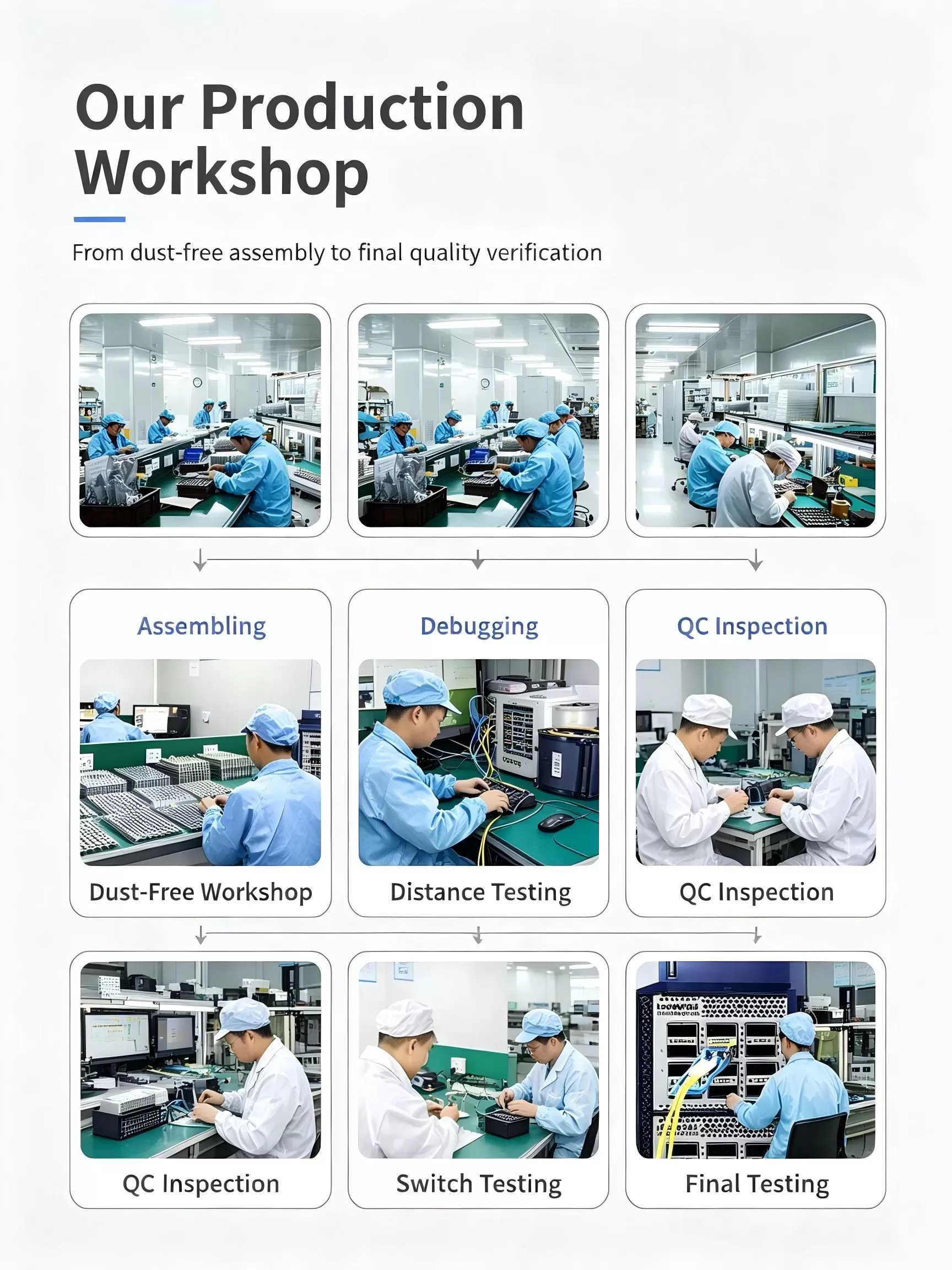
We are a brand owner with deep engineering partnerships. We control product design, specification, quality validation, and supply chain management. Our products are built to our specifications by qualified manufacturing partners, and we handle all testing, coding, and quality assurance before shipment.
Yes. We code transceivers to match the host platform requirements of major switch and router vendors including Cisco, Juniper, Arista, HPE, Huawei, Nokia, and others. Tell us your platform model and required OS version, and we will ship modules that are recognized natively by your equipment.
Datasheets, compatibility matrices, and S-parameter reports are available for all standard products. Contact our sales team or visit the product pages on our website to request documentation.
Provide us with your switch make, model, and OS version. We code the transceiver firmware accordingly before shipment. If you are testing for the first time, we recommend ordering a sample unit to validate compatibility in your specific environment before placing a volume order.
Switch vendors occasionally introduce transceiver whitelisting in new OS releases. We track major platform updates and can provide recoded firmware matching the new OS requirements. Contact technical support if your existing APEX modules stop being recognized after a switch upgrade.
Contact our sales team by email, WhatsApp, or WeChat with your part number and quantity. We will confirm pricing, lead time, and shipping options. For first-time customers, we typically recommend starting with a sample order to validate compatibility before scaling to production volumes.
We ship via DHL, FedEx, and UPS for express delivery, typically 3-7 business days to most destinations. For volume orders, we also offer air freight and sea freight options. We can ship on your courier account or ours, and we handle all export documentation.
Sample orders start from 1-2 units for evaluation. For production orders, MOQ varies by product type, typically 10-50 units for standard transceivers. Contact us for specific product MOQs.
We accept wire transfer (T/T) as our standard payment method. For established customers, we can offer net-term payment arrangements. Contact our sales team to discuss payment terms.
All APEX products come with a 3-year standard warranty against manufacturing defects. We offer advance replacement for defective units, shipping the replacement before you return the failed unit to minimize downtime. For full details, visit our After-Sales Service page.
Contact us by email, WhatsApp, or WeChat. Describe your issue with as much detail as possible, including switch model, OS version, transceiver part number, and the problem you are seeing. Our support engineers will respond within one business day.
Yes, we strongly encourage sample testing. Order 1-2 units of each model you plan to deploy. Test them in your switches with your fiber plant and traffic load. Once validated, we can proceed with production quantities.
Yes. Many of our customers are telecom operators and government networks requiring 5-10 year supply continuity. We offer lifecycle management commitments with advance notification of any changes. See our Global Supply Chain page for details on long-term supply programs.

APEX GROUP LIMITED
Phone: 85298213834
WhatsApp: 85298213834
Email: Info@apexallinone.com


